How to Register Your First Domain on Namecheap (Step-by-Step)
How to Register Your First Domain on Namecheap (Step-by-Step)
Your Domain Is the Foundation
Every site that earns money while you sleep starts with one thing: a domain. Not a social media profile someone else controls. Not a platform that can shut you down tomorrow. A domain you own outright — owned traffic that compounds over time because it belongs to you. Before you build a content site, before you automate a single word with AI, you need to lock that address down. Here's exactly how to do it on Namecheap, step by step.
Why Namecheap Makes Sense Here
Namecheap is where a lot of solo operators land when they run the numbers. The interface is clean, the pricing is honest, and you don't need a team to figure it out. That matters when you're building lean.
Here's a real figure: most .com domains on Namecheap start under $10 a year. That's your entry cost for a piece of owned traffic that can compound for years. You can hold multiple domains without it hurting. Let's walk through the process.
Step-by-Step Guide to Registering a Domain on Namecheap
Step 1: Search for Your Domain
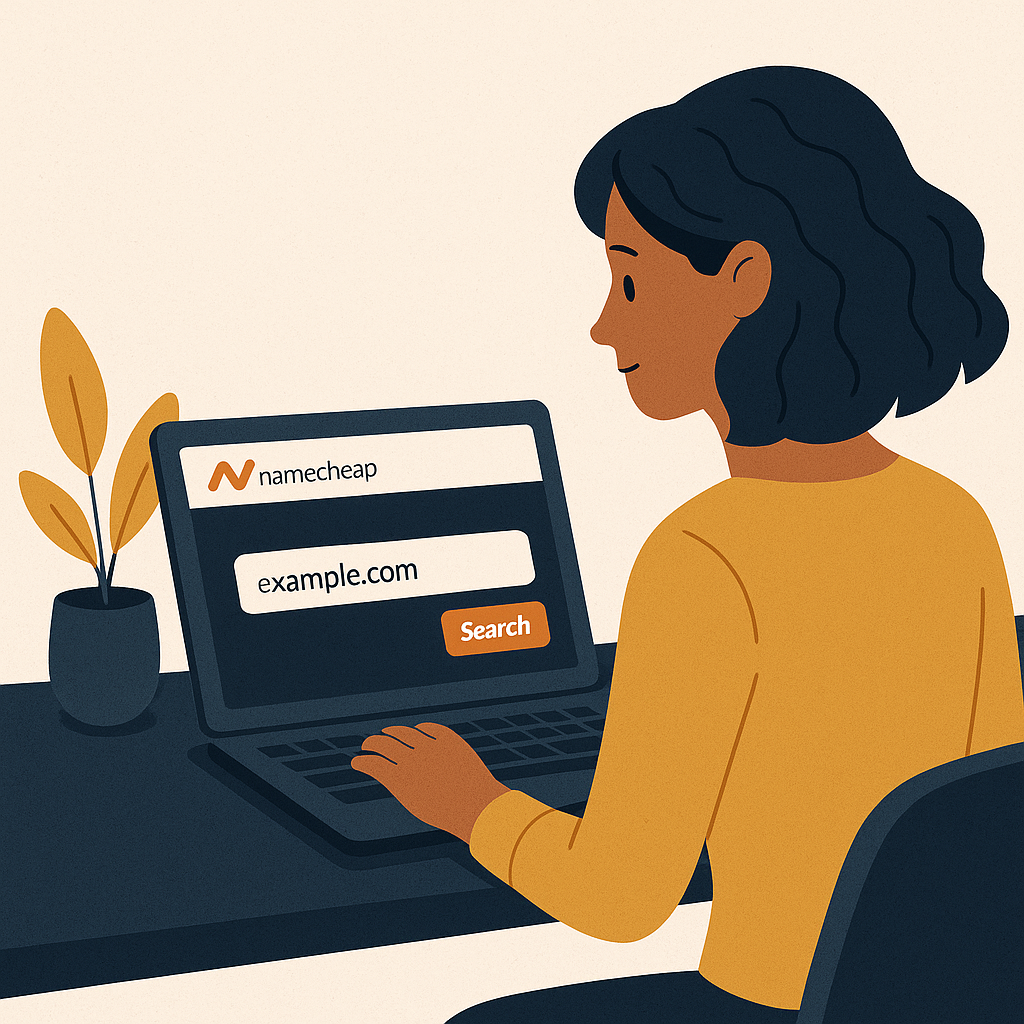
Go to Namecheap's website and type your target name into the search bar. You're looking for something relevant, easy to spell, and easy to remember. Those three things together are what make a domain stick in someone's head after they leave your site.
Step 2: Add to Cart
When you find an available domain, click "Add to Cart." Namecheap will offer you domain privacy protection at this point. Take it. It keeps your personal information out of the public WHOIS database, which is a straightforward trade worth making.
Step 3: Review Your Cart
Look at the cart before you move forward. You'll see the domain price and any added services listed out clearly. Namecheap runs promotions regularly, so check for a discount code before you hit checkout.
Step 4: Create an Account
New users need to set up a Namecheap account — just an email address and a password. Once it's created, you can manage every domain you own from one dashboard. Keep that login somewhere safe.
Step 5: Confirm and Pay
Choose your payment method — credit card and PayPal both work — and complete the purchase. When the confirmation comes through, that's your receipt. The domain is yours.
Building on Your Domain: Next Steps
You have the address. Now you build the system on top of it. Whether that's a content site running on AI-assisted publishing or a niche resource that pulls in owned traffic month after month, the domain is what makes it yours. Our tutorials on building content sites are a good place to start if you're figuring out what comes next.
If you're setting up a real workspace around this, the Logitech MX Master 3S holds up well for long sessions, and the Blue Yeti Microphone is a reliable choice if you're adding audio to your content.
Final Thoughts: Own Your Traffic
The real answer to building income that works while you sleep is owning the asset. A domain is where that starts. It's the address for a system that compounds — traffic that grows, content that ages well, revenue that doesn't depend on a platform's algorithm staying friendly.
Register your domain today at Namecheap and put the first piece in place. For more on building from here, head to The Silent Webmaster Blog.
Understanding Domain Extensions and Their Impact
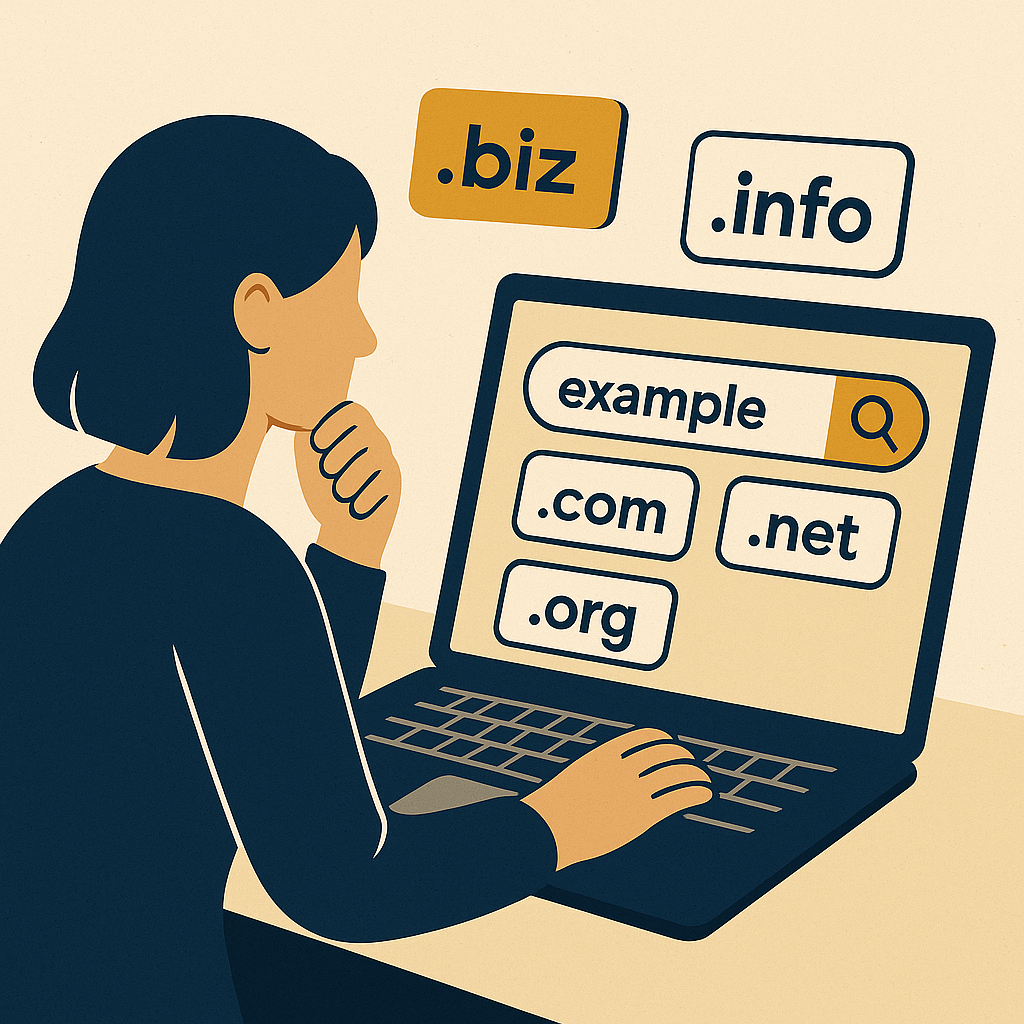
The name matters, but so does what comes after the dot. Your TLD — top-level domain — shapes how people read your site before they even click. The familiar ones carry trust because users have seen them for decades. The niche ones can signal exactly what you do. Here's how the common options break down:
Choosing the Right Extension:
- .com: The default. Works for almost any site and carries the most recognition with visitors.
- .net: Sits comfortably in the tech and networking space.
- .org: Associated with non-profits, though it's not restricted to them.
- .io: The go-to for software and app-focused projects, especially among tech builders.
- .co: A clean alternative to .com that businesses and startups use regularly.
Pick the extension that fits your audience. The right TLD makes your site easier to trust before someone reads a single word of your content.
Securing Your Domain: Privacy and Protection
Once the domain is registered, lock it down. Namecheap's WHOIS privacy protection masks your personal information in the public database — it's often free, and there's no good reason to skip it. While you're in the account settings, turn on two-factor authentication. That one step closes off the most common way accounts get taken over.
Steps to Enhance Domain Security:
- Enable WHOIS Privacy: Keeps your name, address, and contact details out of the public WHOIS record. Namecheap includes this free with most registrations.
- Activate Two-Factor Authentication: Requires a second verification step at login, which stops most unauthorized access cold.
- Regularly Update Your Passwords: Strong, unique passwords rotated on a schedule are a basic part of keeping your assets yours.
Leveraging Your Domain for Passive Income
A registered domain is the starting point. Here's how operators turn that address into a system that earns while they sleep:
- Affiliate Marketing: Build content around your niche and place affiliate links where they fit naturally. You earn a commission each time a reader buys through your link.
- Ad Revenue: Platforms like Google AdSense pay you based on the traffic your site pulls in. More owned traffic means more receipts.
- Digital Products: Sell e-books, templates, or courses directly through your site. No middleman, no platform cut.
- Membership Sites: Charge a recurring fee for premium content or a private community. That's revenue that compounds month over month.
Each of these models runs on the same foundation: a domain you control, pointed at a system you built.
Case Study: From Domain to Digital Success
Case Study: Jane's Journey to Passive Income
Jane was a freelance graphic designer who registered her first domain on Namecheap to host a portfolio. The original goal was simple — show her work, attract clients. But she noticed the traffic coming in from search and started a blog covering design tips and tutorials. That content pulled in a wider audience. She added affiliate links and started selling design templates directly through the site. Within a year, the domain was generating enough passive income that she could cut back on client work and put more time into building digital products. The domain was the first piece. Everything else compounded from there.
KPIs and Metrics to Track Domain Performance
Once your site is live, track the numbers that tell you whether the system is working. Here's what to watch:
- Traffic Volume: How many visitors are coming in. This is your baseline for everything else.
- Bounce Rate: A lower number means people are reading and clicking through, not leaving immediately.
- Conversion Rate: The percentage of visitors who take an action — a signup, a purchase, a click on an affiliate link.
- Revenue Per Visitor: Divide your monthly earnings by your monthly visitors. That figure tells you how efficiently your system is turning owned traffic into income.
Check these on a regular schedule. The numbers show you where the system is working and where it needs adjustment.
FAQs About Domain Registration on Namecheap
Q: Can I transfer an existing domain to Namecheap?
A: Yes. Namecheap handles inbound transfers from other registrars, and the process is straightforward. Most transfers also come with a free year of registration added to the domain.
Q: What happens if my desired domain name is taken?
A: Try a different extension or a variation of the name. Namecheap's search tool surfaces alternatives automatically, so you'll have options to work with right there on the page.
Q: How do I renew my domain registration?
A: Domains renew annually. Namecheap offers automatic renewal so the domain stays yours without you having to remember a deadline. Turn that on and one less thing falls through the cracks.
Disclosure: this article may contain affiliate links. If you buy through them, we may earn a small commission at no extra cost to you.
Disclosure: this article may contain affiliate links. If you buy through them, we may earn a small commission at no extra cost to you.