How to Recover a Dead Site Google Forgot
How to Recover a Dead Site Google Forgot
Your site had traffic once. Then it didn't. No warning, no explanation — just a slow bleed until the numbers hit zero. Before you write it off, here's what you should know: sites have come back from that exact position and doubled their organic traffic within six months. Not with tricks. With a system. Let me walk you through how it works.
Why Do Sites Die?
Before you fix anything, you need to know what broke. Sites lose owned traffic for three main reasons: algorithm updates, content that aged out, and technical problems quietly running in the background. The real answer is usually a combination of all three.
Algorithm Changes
Google updates its ranking systems constantly. What earned you page-one placement three years ago may be exactly what's holding you back today. If your site isn't keeping pace, the rankings will reflect that.
Outdated Content
Content has a shelf life. Pages that once answered a question accurately can drift out of relevance as facts change and better resources appear. Google notices. So do visitors — and they leave.
Technical Issues
Slow load times, broken links, and poor mobile performance all chip away at your rankings without making a sound. A technical audit puts a number on the damage so you know exactly what you're dealing with.
Receipts: The Real Numbers Behind Traffic Recovery
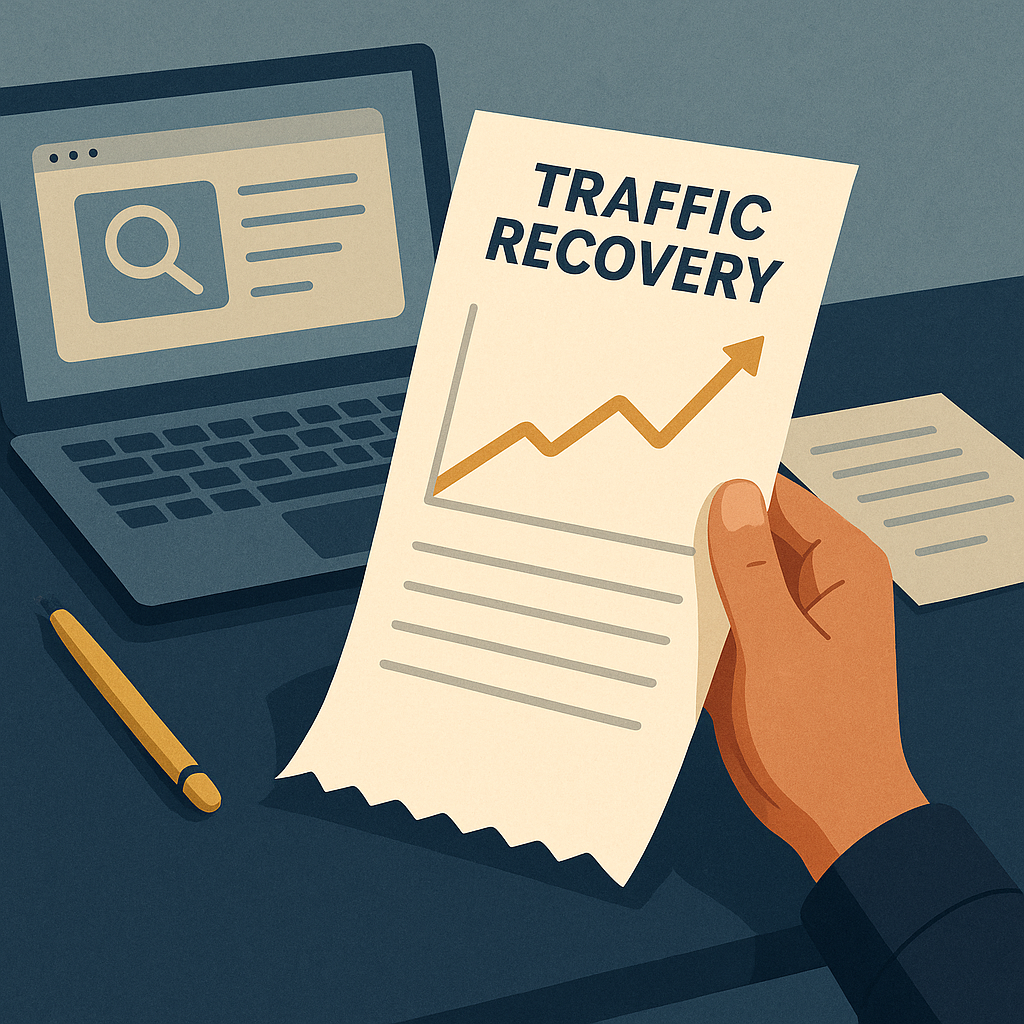
Sites that follow a structured recovery process — technical audit, content refresh, link rebuilding — have documented traffic doublings inside six months. No ad spend. No shortcuts. Just a system that compounds over time. Here's how each step works.
Step 1: Conduct a Technical Audit
Start with Google Search Console and Screaming Frog. These two tools will surface the issues that are actively suppressing your rankings. Fix what you find before touching anything else.
- Google Search Console: Free. Shows you index status, crawl errors, and which pages Google can and can't see.
- Screaming Frog: Crawls your site the way Google does. Flags broken links, redirect chains, and missing metadata. Free up to 500 URLs, paid beyond that.
Step 2: Refresh and Update Content
Pull up your top pages from two or three years ago and read them like a first-time visitor. Update the facts, cut what's stale, and optimize for the keywords people are actually searching today. This step alone can move rankings within weeks — the system compounds from there.
Step 3: Rebuild Your Link Profile
Links are still how authority flows across the web. Reach out to sites in your niche for guest posts or content collaborations. Use Ahrefs to see where your backlinks dropped off and identify the gaps worth closing.
- Ahrefs: Shows your full backlink profile, lost links, and competitor link sources. Paid subscription, with a trial period to get started.
Tools and Resources for Traffic Recovery
Here are the tools worth having in your corner during a recovery:
- Namecheap for domain management and hosting solutions.
- Logitech MX Master 3S for ergonomic productivity while you work through the fixes.
- Google Analytics for tracking exactly how traffic moves after each change you make.
Use these to build a clear picture of where you started and where the numbers are heading.
Actionable Next Steps
You have the roadmap. Run the technical audit first — that's your baseline. Then refresh the content, then rebuild the links. Each step feeds the next, and the results compound while you sleep. Consistent effort on the right inputs is the real answer here.
For deeper guides on each step, visit our tutorials and blog at The Silent Webmaster.
Your site can pull in owned traffic again. But it needs a system behind it, not a one-time fix. Start today and let the numbers do the talking.
Understanding User Intent

One piece most people skip when recovering a dead site is matching content to what visitors actually want when they search. Google has gotten precise about this. A page that answers the wrong version of a question — even if the keyword matches — won't hold a ranking. Knowing the intent behind a query is how you write something that sticks.
Types of User Intent
- Informational: The visitor wants an answer. Give them a clear, complete one — no padding, no detours.
- Navigational: They're looking for a specific site or page. Make sure your brand and site structure are easy to read at a glance.
- Transactional: They're ready to buy. Your product pages need to be clean, fast, and frictionless.
- Commercial Investigation: They're comparing options before deciding. Detailed comparisons and honest reviews earn this visitor's trust.
When your content matches the intent behind the search, visitors stay longer and bounce less. Google tracks both. Better signals mean better rankings, and better rankings mean more owned traffic coming in while you sleep.
Leveraging Social Media for Traffic Recovery
SEO does the heavy lifting for long-term owned traffic, but social media can move the needle faster in the short term. Platforms like Facebook, LinkedIn, and X drive direct visits and signal to Google that real people are engaging with your content.
Building a Social Media Strategy
- Identify Your Audience: Find out which platforms your readers actually use, then focus your effort there instead of spreading thin across all of them.
- Consistent Posting: Regular posts keep your content in front of people. Sporadic posting doesn't compound — consistent posting does.
- Engage with Followers: Reply to comments. Join conversations. The sites that build communities around their content hold their traffic better than sites that just broadcast.
- Use Visuals: Posts with images or short video clips get shared more. More shares mean more eyeballs on your links.
Social media also works as a low-cost testing ground. Watch which posts get the most engagement, then turn those topics into full articles. The audience tells you what to write next — you just have to read the receipts.
Creating a Content Calendar
A site that publishes randomly recovers slowly. A site that publishes on a schedule compounds faster. A content calendar keeps you consistent without having to make a new decision every time you sit down to write.
Elements of a Content Calendar
- Content Topics: List what you plan to cover, mapped to user intent and current search trends.
- Publication Dates: Assign a date to each piece. Consistency signals to Google that your site is active.
- Content Formats: Decide upfront whether each piece is a blog post, a comparison, a video, or something else. Format affects how you write it.
- Promotion Plan: Know before you publish where each piece will go — which social channels, which email list, which communities.
A calendar turns content creation from a scramble into a system. That's when the results start to compound.
Analyzing Competitor Strategies
Your competitors are already running experiments in your niche. Some of those experiments are working. A structured competitor analysis tells you which ones — so you can learn from their results instead of running the same tests yourself.
Steps for Competitor Analysis
- Identify Competitors: Use SEMrush or SimilarWeb to find the sites ranking above you for your target keywords.
- Analyze Content: Look at what they publish and which pieces pull the most traffic and engagement.
- Evaluate SEO Strategies: Study their keyword targeting, backlink sources, and site structure. Note where they're strong and where they're thin.
- Learn from Their Mistakes: Find the gaps — topics they've missed, user intent they've ignored, technical issues they haven't fixed. Those are your openings.
Competitor analysis isn't about copying. It's about reading the data that's already sitting in front of you and using it to make smarter decisions about your own site.
Frequently Asked Questions (FAQs)
Here are the questions that come up most often when people are working through a site recovery.
What should I do if my traffic doesn't improve?
Go back to the technical audit. Then look hard at whether your content is actually matching user intent for the keywords you're targeting. Most stalled recoveries have a missed step in one of those two areas.
How often should I update my content?
Review high-traffic pages every six to twelve months. Lower-priority pages can wait for an annual pass. The goal is to make sure the facts are current and the content still answers the question better than the competition.
Can paid ads help in site recovery?
They can give you a short-term traffic bump while your organic system builds. But paid traffic stops the moment you stop paying. It doesn't replace the owned traffic that compounds on its own over time.
How do I measure the success of my recovery efforts?
Track organic traffic growth, keyword ranking movement, and bounce rate. Those three numbers together give you an honest read on whether the system is working.
Clear answers to common questions also help your SEO. When a page directly addresses what someone searched for, it earns the click — and holds it.
Monitoring and Adjusting Your Strategy
Recovery isn't a one-time event. You run the system, then you watch the numbers. Use your analytics tools to track page load speed, user engagement, and conversion rates on a regular schedule. When a metric moves — up or down — you want to know why. That's how you stay ahead of the next algorithm shift instead of reacting to it six months later. The sites that hold their traffic long-term are the ones where someone is watching the data and adjusting before problems compound.
Disclosure: this article may contain affiliate links. If you buy through them, we may earn a small commission at no extra cost to you.